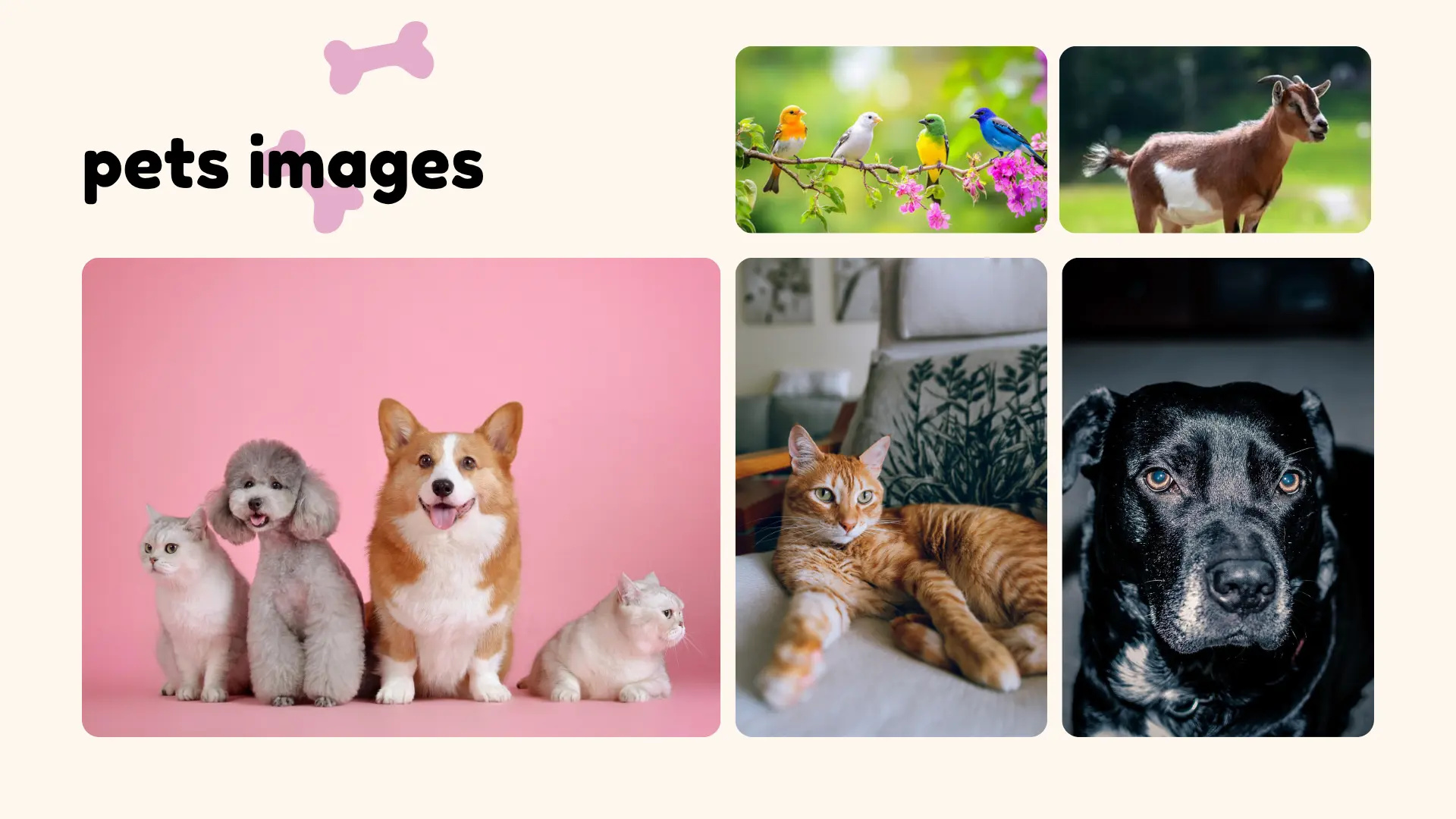
Pets images are photographs of animals like dogs, cats, birds, and small mammals, used for personal memories, social media, adoption listings, or stock photo websites. They range from casual phone snapshots to professional, high-resolution (HD) portraits, and can be taken at home or downloaded from licensed photo libraries.
Key Takeaways
- “Pets images” covers both photos you take yourself and stock photos you download online.
- Best for pet owners, bloggers, small businesses, and anyone making pet-related content.
- Free stock photo sites exist, but always check the license before using an image commercially.
- Good lighting and a calm pet matter more than an expensive camera.
- A small number of search results under this keyword are actually about veterinary PET scans, not photography — a different topic entirely.
- Never use a copyrighted character image (like a book or cartoon mascot) without permission.
Introduction
Search “pets images” and you’ll get a mixed bag of results. Some people want cute photos of dogs and cats. Others want free HD pictures for a blog or project. A smaller group actually meant something else: a veterinary PET scan.
This guide covers the photography side, since that’s what most pet owners are looking for. You’ll learn where pets images come from, how to take better ones of your own animal, and where to find safe, legal photos online. We’ll also touch on the medical-imaging mix-up, so you’re not left confused if that’s what turned up in your search.
By the end, you should be able to snap a great photo of your own pet, or find one online, without guessing whether you’re allowed to use it.
What Is “Pets Images”?
“Pets images” simply means pictures of pets. That’s the whole idea. But the term covers a few very different situations.
Some people search it to find stock photos — free or paid images they can use on a website, in an ad, or in a slideshow. Others search it hoping to see cute or funny pet photos just for fun, the way you’d scroll through pet accounts on Instagram. A third group wants tips on taking better photos of their own dog, cat, or other animal.
All three uses fall under the same keyword, which is why results can look scattered. This article works through each one.
Quick Facts Box
| Fact | Details |
| Common formats | JPEG, PNG, HEIC (from phones), RAW (from cameras) |
| Common sources | Personal phone camera, DSLR, stock photo sites, pet photographers |
| Popular free stock sites | Unsplash, Pexels, Pixabay (verify license per image) |
| Best resolution for print | At least 300 DPI at the print size you want |
| Best resolution for web/HD | 1920×1080 or higher |
| License types to check | Public domain, Creative Commons, royalty-free, editorial-only |
Where Do Pets Images Come From?
Most pets images today come from three places: personal phones, professional photographers, and stock photo libraries. Phone cameras produce by far the largest share, since almost every pet owner carries one.
Stock photo sites grew because businesses, bloggers, and pet product brands needed images without hiring a photographer every time. Sites like Unsplash and Pexels built large free libraries starting in the early 2010s, and pet photos became one of their most searched categories.
This can vary depending on the platform and its licensing terms, so it’s best to check each site’s rules before downloading and reusing an image.
Key Characteristics of Good Pets Images
A strong pet photo usually shares a few traits, whether it’s a phone snapshot or a stock photo.
- Sharp focus on the eyes — this is what makes a photo feel alive.
- Natural light — window light or outdoor shade beats harsh flash.
- Simple background — clutter pulls attention from the pet.
- Calm, comfortable pet — a stressed animal rarely photographs well.
- Eye-level angle — shooting down at a pet often looks flat.
These same traits matter whether you’re taking the photo yourself or judging whether a stock photo will look good on your site.
Quick Comparison Snapshot
| Option | Best For | Key Difference |
| Unsplash | Free high-res photos for blogs | Large library, mostly free for commercial use |
| Pexels | Free photos and short videos | Similar to Unsplash, strong pet category |
| Pixabay | Free images plus illustrations | Includes vector art, not just photography |
| Local pet photographer | Custom, personal portraits | Paid, but tailored to your specific pet |
Pet Scan Images and Pet Diagnostic Imaging: A Different Topic
If you searched “pets images” hoping for veterinary information, this section is for you — and it’s the only place we’ll cover it, since it’s a separate topic from pet photography.
In veterinary medicine, a PET scan (Positron Emission Tomography) is a diagnostic imaging tool. It’s mainly used in specialty and research settings to look at organ function, and “amyloid pet imaging” refers to a specific type of scan used in some human and animal neurological research. This kind of imaging is not something most pet owners will encounter at a routine vet visit.
If your pet has been referred for advanced diagnostic imaging of any kind, your veterinarian or a veterinary specialist is the right person to explain what the scan involves and why it’s needed. This article won’t guess at medical details that should come from your vet.
PET Imaging vs Pet Images: Understanding the Difference
The phrase pet imaging can refer to very different types of searches, which is why search results may sometimes look confusing. In photography, people usually mean pictures of their dogs, cats, birds, or other companion animals. In medical contexts, however, PET imaging refers to Positron Emission Tomography, a specialized diagnostic imaging technique.
What Is PET Imaging?
Medical PET imaging is used to create images that show activity and function inside the body. It is different from ordinary pet photography and should not be confused with pictures of household animals.
Some searches are specifically related to CT PET imaging, which combines PET information with computed tomography (CT) to provide complementary information. Another specialized area is FDG-PET imaging, which uses a radiotracer commonly associated with glucose metabolism.
There are also more specific searches such as PSMA-PET imaging and amyloid PET imaging. These terms refer to specialized medical imaging applications and have a very different search intent from someone looking for photos of a pet cat or dog.
Pet Diagnostic Imaging vs. Pet Photography
The phrase pet diagnostic imaging can create additional confusion because the word “pet” may be interpreted in two ways. A person searching for pet photography may be looking for animal pictures, while someone searching for diagnostic imaging may be looking for medical information.
For veterinary care, diagnostic imaging can refer to different technologies used by veterinarians to investigate a particular health concern. The appropriate imaging method depends on the animal, symptoms, clinical history, and the veterinarian’s assessment.
Why Do Search Results Mix These Topics?
Search engines may connect related phrases because words such as pet scan images, pet imaging, and pet diagnostic imaging contain overlapping terminology. However, the underlying search intent can be completely different.
For example:
- Images of pet cats usually indicates a photography or visual-content search.
- Pet scan images may refer to medical scan images.
- CT PET imaging is a medical-imaging query.
- FDG-PET imaging is a specialized medical-imaging query.
- PSMA-PET imaging is another specialized medical-imaging query.
- Amyloid PET imaging relates to a specific type of PET imaging.
- Pet diagnostic imaging generally indicates a diagnostic or veterinary/medical context.
Because these topics have different purposes, readers should check the context before assuming that every result for a “pet images” search is about animal photography.
A Simple Way to Understand the Difference
If you are looking for a photo of your dog, cat, rabbit, bird, or another companion animal, you are looking for pet images or pet photography.
If you are researching a medical scan or diagnostic procedure, you are dealing with PET imaging or another form of diagnostic imaging.
This distinction helps explain why searches for “pet images” can sometimes produce results that appear unrelated to photography. For medical questions, readers should rely on qualified healthcare or veterinary professionals and the relevant medical facility rather than treating general image-search results as medical advice.
Cute Pets Images: What Makes a Photo Share-Worthy
Cute pet photos tend to share one thing: a clear, unposed moment. Think of a dog mid-yawn, a cat curled in a sunbeam, or a puppy chasing its tail.
You don’t need special equipment to capture this. A few habits help:
- Keep your phone or camera ready during play time, not just posed sessions.
- Get down to your pet’s eye level instead of shooting from above.
- Use natural light near a window rather than indoor lamps.
- Take several shots in a row — pets move fast, and one frame often beats the rest.
Candid photos almost always feel warmer than staged ones.
5 Pet Animals Images: Common Pets and Photo Tips for Each
Different pets photograph differently, since their coats, colors, and movement styles vary.
- Dogs — Focus on the eyes and use quick shutter speeds for active breeds.
- Cats — Photograph during calm stretches, like after a meal, when they’re more still.
- Rabbits — Get low to the ground; rabbits often freeze briefly, which is your window.
- Birds — Bright, indirect light brings out feather color better than flash.
- Small mammals (hamsters, guinea pigs) — Macro or close-up mode helps, since these pets are small and detail matters.
Each animal has its own rhythm. Watching your pet for a few minutes before shooting helps you catch it.
Pets Images Cat: Capturing Your Feline’s Best Side
Cats are one of the most searched pet photo subjects online, and they come with their own quirks. Cats often turn away from a camera pointed directly at them, so a slight angle can help.
Soft, indirect daylight brings out eye color and fur detail better than flash, which can also startle a cat. Toys or a favorite treat held near the camera lens can help hold their attention for a second or two — just long enough for a sharp shot.
Patience matters more than gear here. Most great cat photos come from waiting for the right moment, not forcing one.
Pets Images Download: Where and How to Get Pet Photos Legally
Downloading pet images safely comes down to checking the license attached to each photo, not just the site’s general reputation.
Free stock sites like Unsplash, Pexels, and Pixabay generally allow commercial use without credit, but individual photographers can sometimes attach extra restrictions. Always read the specific license on the image page, not just the site’s homepage policy.
Avoid downloading pet photos from random image searches or social media posts without checking who owns them. Just because an image is easy to save doesn’t mean it’s free to use.
Pets Images HD: Getting Sharp, High-Resolution Shots
HD (high definition) simply means a larger, sharper image — generally 1920×1080 pixels or higher. This matters most for website banners, printed materials, or anything viewed on a large screen.
To get HD-quality photos of your own pet, shoot in the highest resolution setting your phone or camera allows, and avoid zooming in digitally, which lowers quality. Good lighting also reduces the graininess that shows up more in larger images.
If you’re downloading HD pet stock photos, look for a resolution listed on the download page before you commit to a size.
Pete the Cat Images: A Note on Character and Copyright
Some searches for pet images actually mean Pete the Cat, the popular children’s book character created by James Dean. Pete the Cat is a copyrighted and trademarked character, not a real pet, so this deserves a quick, separate note.
Images of Pete the Cat belong to the author and publisher. If you want Pete the Cat artwork for a classroom, party, or project, the safest route is an officially licensed book, product, or the publisher’s own website — not a random image download.
This section is short on purpose. It’s a different topic from real pet photography, and we don’t want to blur the two.
How to Get Started Taking Better Pet Photos
Getting good photos of your own pet is mostly about routine, not equipment.
- Pick a consistent spot with good natural light, like near a window.
- Keep your camera or phone nearby during normal play or rest time.
- Use burst mode if your device has it, so you capture motion in sequence.
- Get on your pet’s level instead of shooting from standing height.
- Reward calm behavior with a treat right after a successful shot, not during it.
Small, repeated sessions usually produce better results than one long, forced photo shoot.
Cost Breakdown
Photo quality doesn’t have to cost anything, but options do vary in price.
| Option | Typical Cost | Notes |
| Phone camera photos | Free | Uses equipment you already own |
| Free stock photo sites | Free | Check license per photo |
| Paid stock photo sites | $10–$50 per image | Often broader licensing rights |
| Local pet photographer | $100–$400 per session | Custom, professional portraits |
| DSLR or mirrorless camera | $400–$1,500+ | One-time cost, ongoing use |
Costs here are general ranges and can vary by region, photographer, and platform, so it’s worth comparing a few options before committing.
Common Mistakes Pet Owners Make
A few habits show up again and again when people try to photograph their pets.
- Using flash directly on the pet’s face, which can startle them and cause red-eye or glare.
- Shooting from too far away and cropping in later, which loses image quality.
- Forcing a pose instead of waiting for a natural moment.
- Ignoring the background, so a messy room competes with the pet for attention.
- Downloading stock photos without checking the license, risking copyright issues later.
Most of these are easy to fix once you notice them.
Pros and Cons
| Pros | Cons |
| Free options exist for both taking and finding pet photos | Free stock photos may have limited licensing terms |
| Modern phones take high-quality photos without extra gear | Fast-moving pets can be hard to photograph sharply |
| Professional photographers can capture harder shots | Professional sessions cost money and require scheduling |
| Good photos can help with adoption listings or lost-pet flyers | Poor lighting or a stressed pet can ruin a photo attempt |
Similar Options and Alternatives
| Option | Best For |
| Smartphone photography apps (built-in camera apps) | Everyday casual pet photos |
| Paid stock sites (e.g., Shutterstock, Adobe Stock) | Commercial projects needing broader usage rights |
| Local pet photographers | Custom portraits or special occasions |
| Pet-focused photo printing services | Turning your own photos into prints, calendars, or cards |
| Animal shelters’ own photo galleries | Viewing adoptable pets, not for download or reuse |
This table adds new options beyond the earlier comparison snapshot, rather than repeating the same four sites.
When to Consult a Vet or Professional
If your interest in “pet imaging” is actually about a health concern — like an unusual lump, a behavior change, or a scan your vet has recommended — that’s a conversation for your veterinarian, not a photography guide. This can vary a lot depending on your pet’s specific situation, so a licensed vet is the right person to explain any diagnostic imaging your pet may need.
For photography itself, consider a professional pet photographer if you want portraits for a special event, a memorial piece, or images good enough to print large. A professional also helps with pets that are anxious around cameras, since they know how to work around that safely.
Fun Facts
- The word “photograph” comes from Greek words meaning “light” and “drawing.”
- Dogs and cats see color differently than humans, which is part of why studio lighting looks different to them than to us.
- Many animal shelters credit good photos with helping pets get adopted faster, since a clear, friendly photo stands out in online listings.
- Burst mode, common on phone cameras, was originally built for sports photography before pet owners adopted it.
- Backlighting (light coming from behind the pet) can create a soft glow effect around fur.
- Some professional pet photographers specialize only in one type of animal, like horses or birds, because each requires different techniques.
Frequently Asked Questions
Where can I find free pet images? Free stock photo sites like Unsplash, Pexels, and Pixabay all have large pet photo collections you can search by animal type. These sites generally allow free use, including commercial projects, but always check the specific license listed on each photo’s page. Some contributors add extra restrictions, so don’t assume the whole site’s policy applies to every single image without checking.
Where can I find high-quality pet images? For the sharpest, most detailed pet photos, look for images labeled as high resolution or HD, usually 1920×1080 pixels or larger. Paid stock sites like Shutterstock or Adobe Stock tend to have more consistently high-quality, professionally shot options. If you’re taking your own photos, shoot in your device’s highest resolution setting and avoid zooming in digitally, since that reduces sharpness.
Where can I download pet images for free? Unsplash, Pexels, and Pixabay all offer direct downloads without a login on most photos. Look for a download button near the image, which usually lets you pick a file size before saving. Always check whether the photo requires credit to the photographer, even on free sites, since some do ask for attribution as a courtesy.
What are the best websites for pet images? For free options, Unsplash and Pexels are widely used and have strong pet categories. For paid, more exclusive images, Shutterstock and Adobe Stock offer broader commercial licensing. If you want a photo of your specific pet rather than a generic animal, a local pet photographer is a better fit than any stock site.
Final Thoughts
Pets images can mean a lot of different things, from a quick phone snapshot to a professional portrait to a free stock download. Most pet owners just want a good photo of their own animal, taken with whatever camera they already have.
Good lighting, a calm pet, and a little patience go further than expensive gear. If you’re sourcing photos instead of taking your own, just double-check the license before you use one for anything public or commercial.
And if a veterinary scan is what actually brought you here, that’s a conversation worth having directly with your vet, who can explain exactly what your pet’s situation calls for.

Daniel Brooks is a pet research writer at PetJournalHub. He specializes in pet behavior, product research, and responsible pet ownership. He focuses on delivering accurate, reader-friendly guides that help pet owners provide the best care for their animals.